Setting up PLAATO Keg
Step 1. Request an Auth Token from PLAATO
Contact the PLAATO team and request an Auth Token for your PLAATO Keg.
Specifically their instructions state:
To get the auth_tokens contact the Plaato team by sending an email to support@plaato.io with the subject "Auth token" and provide your username. We will send you your token(s) as soon as possible.
They should reply within a couple of days
Step 2. Create a Tap in BrewSpy
Go to the Taplist screen (using the side menu) and tap the green plus button to create a new tap (if you haven't done so already)
Step 3. Assign the AuthToken to your tap
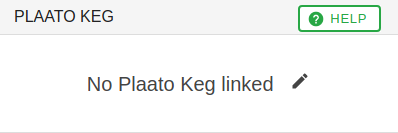
Tap on the newly created tap to bring up the tap settings and then tap on where it says 'No Plaato Keg linked'. Enter your AuthToken in the window that pops up