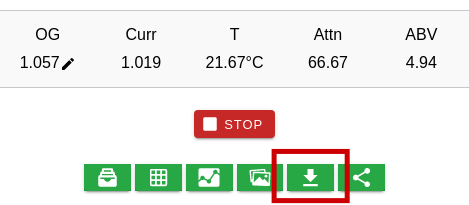
How can I download my data?
Use the green download button to download all data related to a batch as an excel or csv file
You can also download your data from the data screen. This can be accessed by expanding the Raw Data tab and tapping on More Data. The download button (top right) on this screen will include all data that has been loaded on the screen. Scroll down to load more data.